Workflows · August 2026
When should you replace an Excel workflow?
Excel is not the problem. These are the five signs that the workflow around it has quietly become a system — and what to do before it breaks.
Nobody installs a mission-critical system by accident — except in Excel. A spreadsheet starts as a calculation aid: one person, one file, one job. Then someone adds a lookup table for rates. Then a macro. Then a second sheet that feeds the first. Five years later it prices every job the company quotes — and it is not really a spreadsheet any more. It is a system that happens to live in a file format with no access control, no audit history and no tests.
To be clear: we are not against Excel. It is flexible, universally understood, and effectively free — most businesses we talk to run on it for good reasons, and plenty should keep doing so. The question is never whether Excel is bad. The question is whether the workflow has outgrown the file. Here are the five signs we look for.
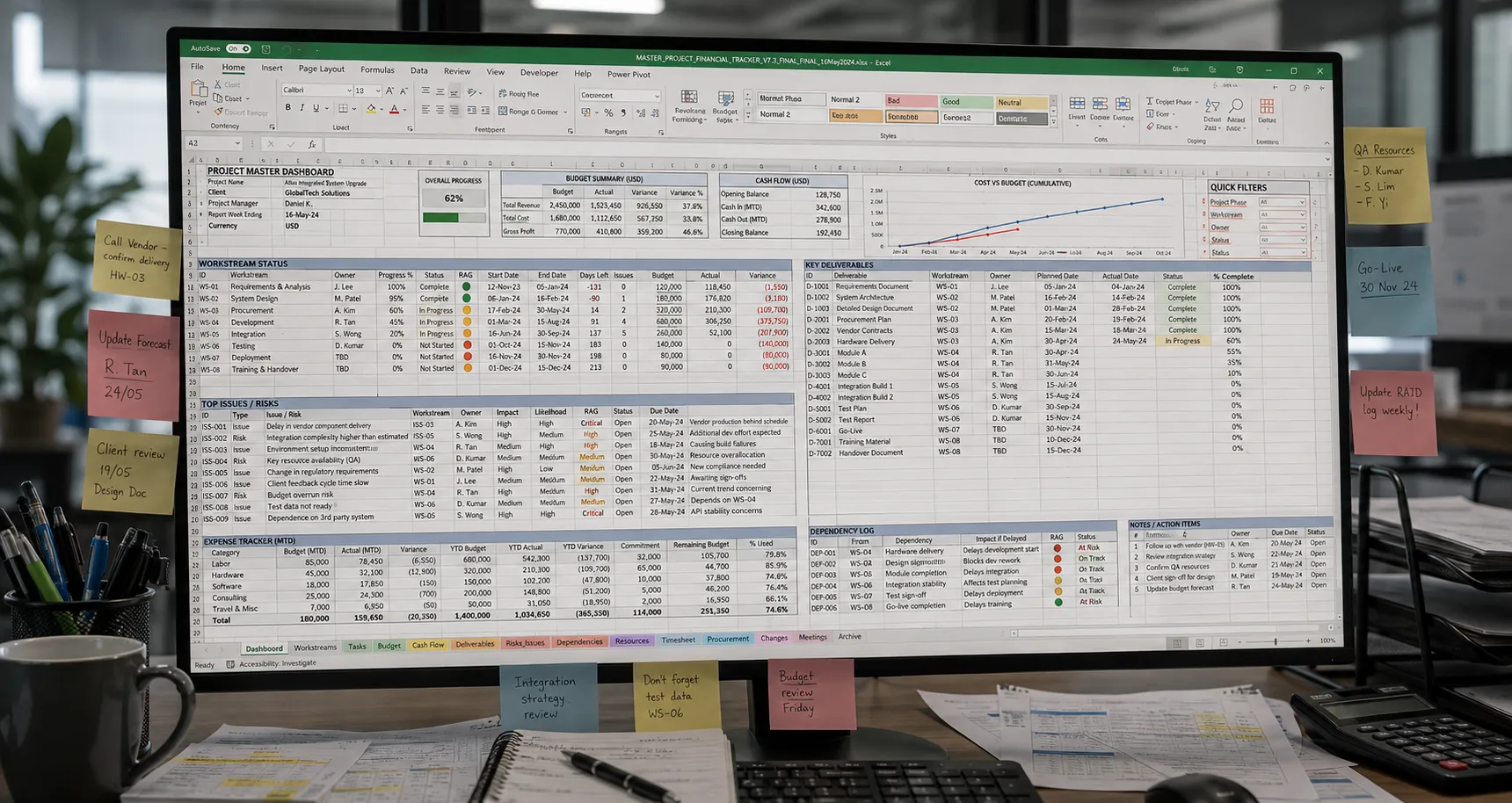
The five signs
Only one person understands it
The formulas were written years ago, possibly by someone who has left. Everyone uses the file; one person can fix it. That is key-person risk wearing a spreadsheet costume.
Versions circulate
Quotation_FINAL_v7(2).xlsx. Copies on three laptops and a WhatsApp thread, each slightly different. When two people quote from two versions, one of them is wrong — and nobody knows which.
The same data is typed more than once
The spreadsheet feeds a Word quotation, an invoice and a monthly report — each retyped by hand. Every retype is a chance to transpose a digit, and the minutes add up to days.
There is no history
Overwrite a cell and the old number is gone. When a customer queries a price from March, nobody can show how it was built — only what the file says today.
It has become mission-critical
If the file corrupts, or its author resigns, quoting stops. Anything whose failure stops revenue deserves better than a file on a shared drive.
Three or more of these, and the spreadsheet has quietly become a system. Systems deserve system-grade tooling: tested calculations, access control, a history that explains itself.
What to do before it breaks
The instinct — and the thing most vendors will sell you — is a migration: rip out the spreadsheet, adopt a platform, retrain everyone. That usually fails, because it replaces the file when it should replace the workflow.
The better move keeps Excel where it is genuinely good — quick edits, familiar entry — and moves the fragile parts into code: the calculation, the history, the multi-user access, the document generation. Built properly, Excel stays at the edges: the system imports from it or exports to it, while every number in between comes from tested, version-controlled logic validated against results the team already trusts. Generate the quotation instead of rebuilding it.
And if fewer than three signs are true? Keep the spreadsheet. Name an owner, keep a single master copy, back it up somewhere versioned. A spreadsheet everyone understands beats a system nobody asked for — and working out which side you're on takes one conversation, not a project. Every build is quoted for the job, after the diagnostic, and the Workflow Review that decides whether it's worth building at all is free.