Stop moving information by hand.
Your systems don't talk to each other, so your people do the talking — re-typing, forwarding, chasing, reconciling, reporting. We build the connective tissue no one budgets for: automations that read, route, file and notify, with every action logged.
Solution 02 · Engineering workflow automation
AI reads and writes. Code calculates.
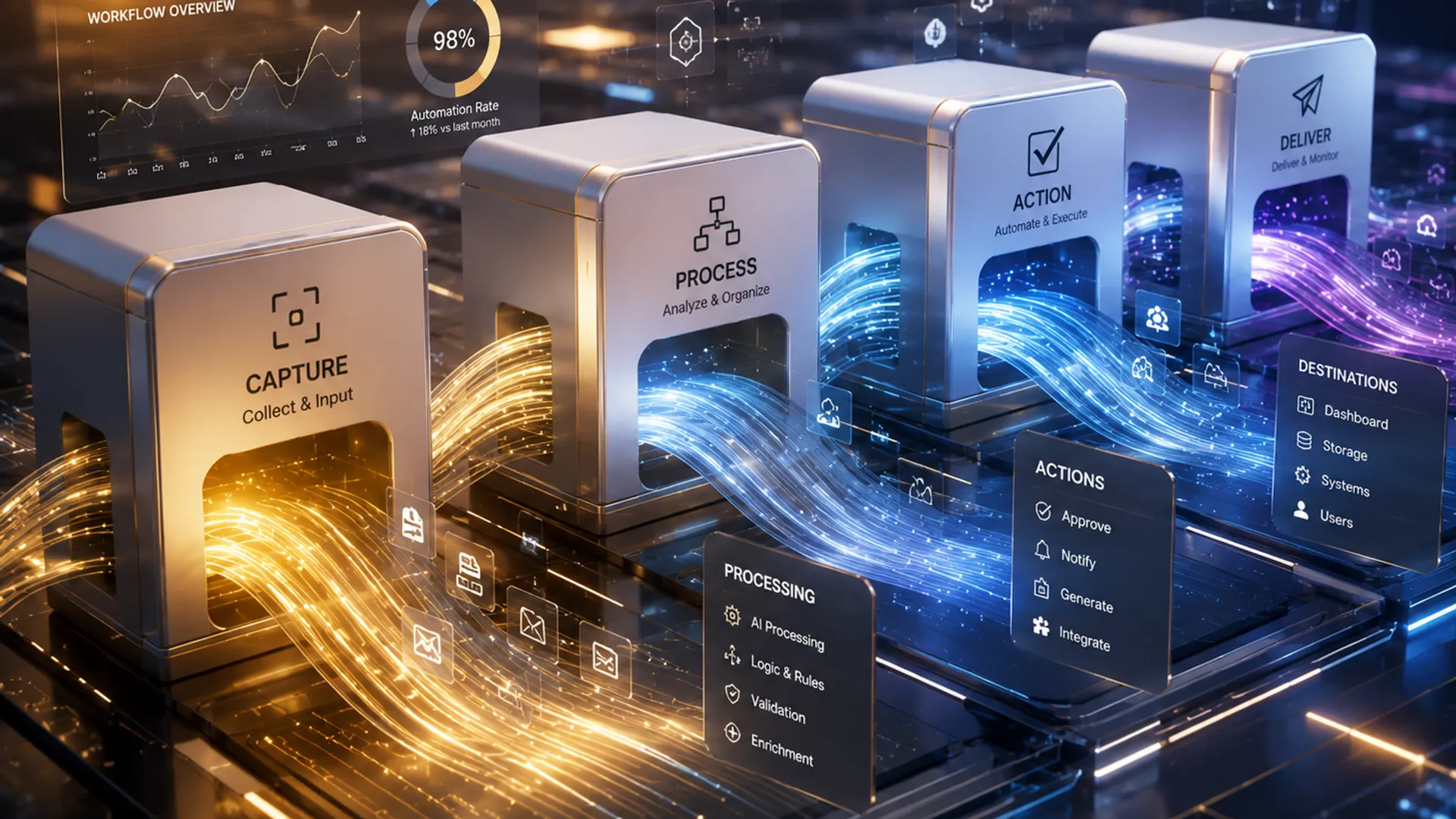 Illustrative
The problems this solves
The work between the systems.
Information gets retyped
The same supplier invoice typed into accounting, job costing and a tracking sheet — three times, by hand.
Reports are assembled manually
Someone spends every Friday collecting information that already exists somewhere else.
Approvals go missing
Documents wait on someone who doesn't know they're waiting — until somebody chases.
Status questions all day
The same WhatsApp answer, typed out one customer at a time, all day long.
Before / with Valtrin
One supplier invoice, two ways.
6 manual steps · every single invoice
0 manual steps on the clean path · review only when confidence is low
How it works
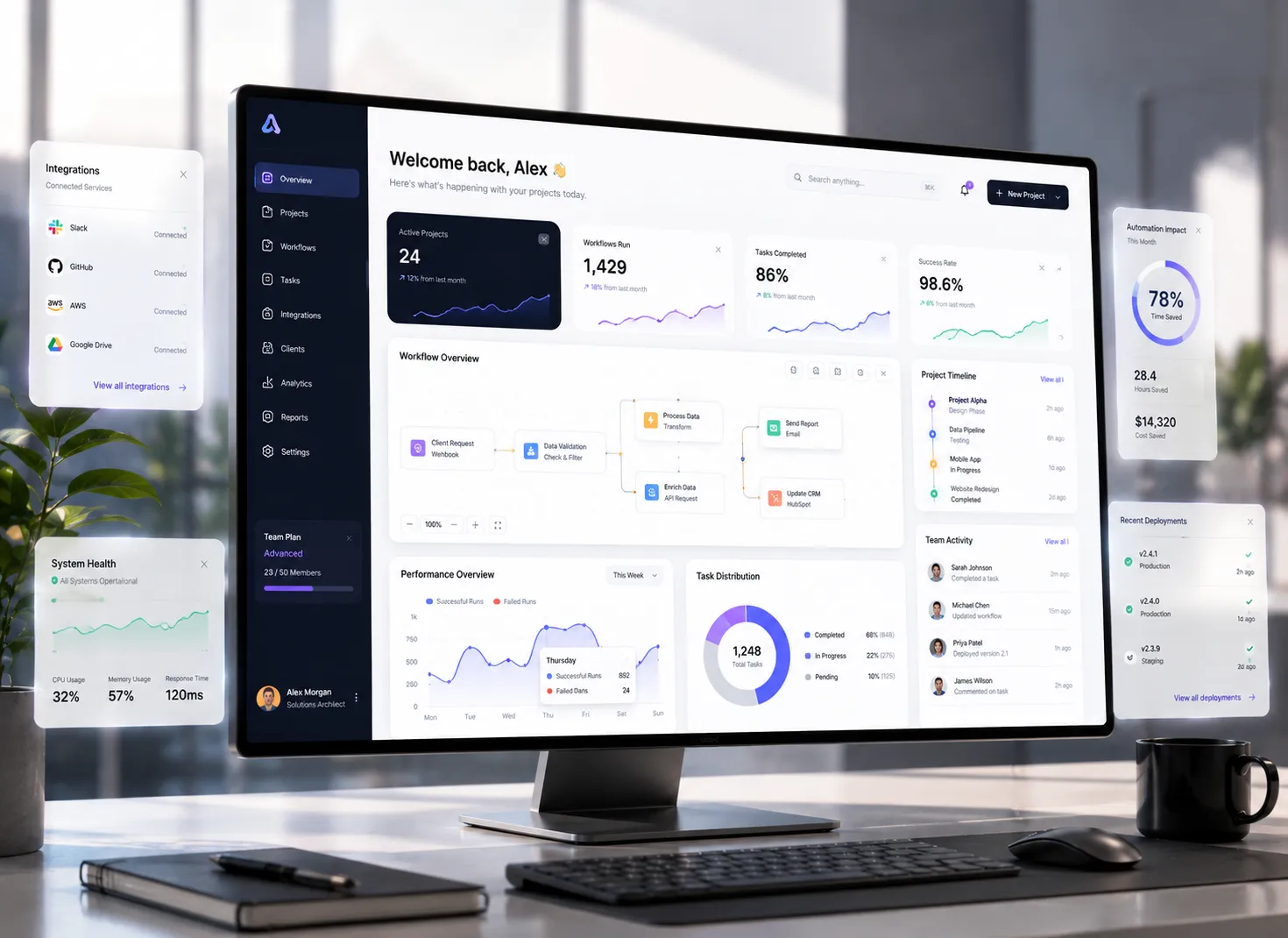
Anatomy of a Valtrin automation.
Error handling and fallback rules are part of every build — what happens when the input is malformed or a service is down is designed, not discovered.
The governing rule
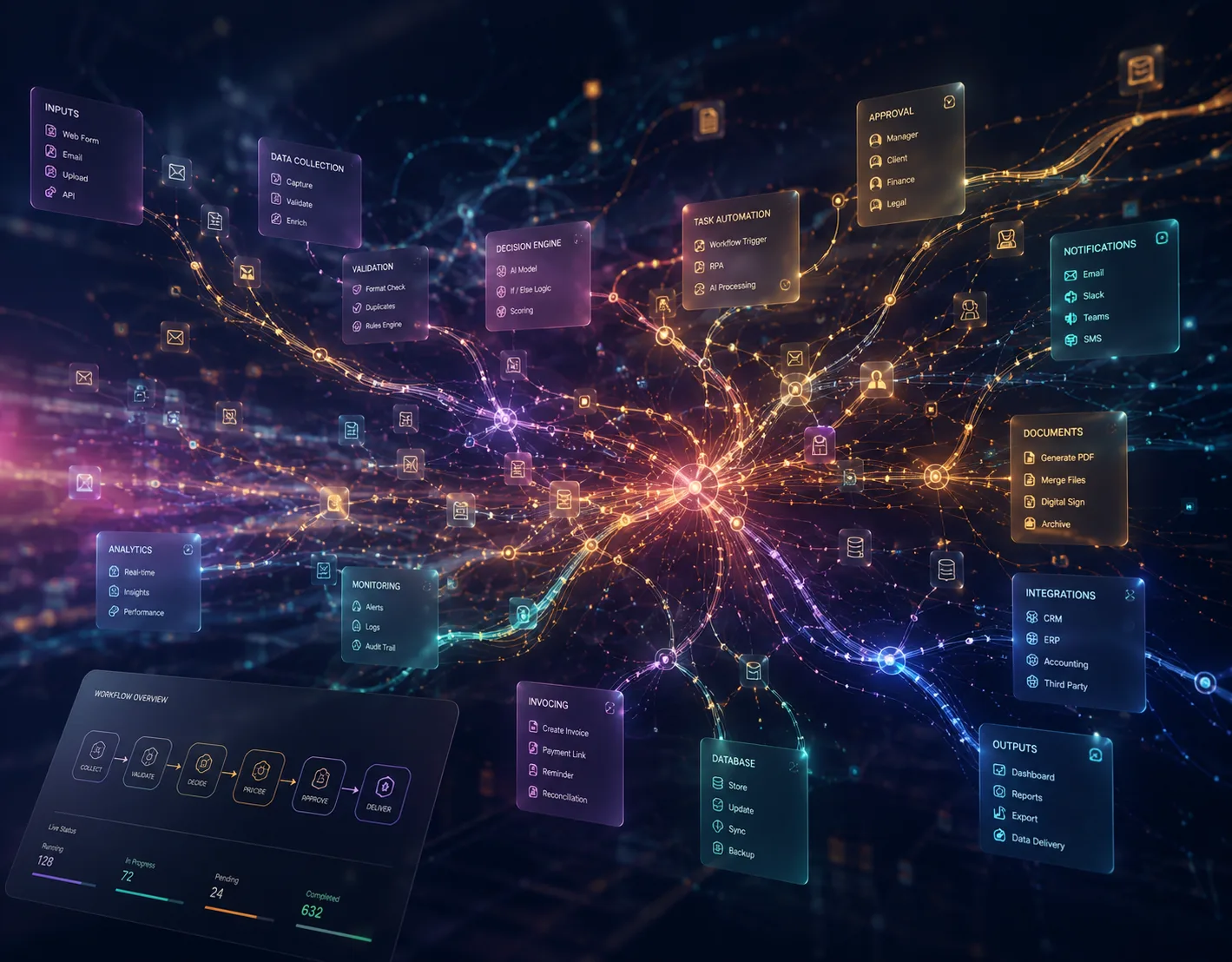
Intelligent where judgement is needed. Deterministic where accuracy matters.
AI
- Reads the enquiry
- Understands the email
- Classifies the document
- Extracts the information
- Drafts the response
CODE
- Calculates the cost
- Applies the formula
- Checks the limits
- Generates the totals
- Produces repeatable results
No number your business relies on is ever produced by a language model. AI handles the unstructured work; deterministic code produces every figure, so results are auditable and repeatable.
AI reads and writes. Code calculates.
The catalogue
Eight automations we build again and again.
 | Report assembly agentGathers from named sources on schedule, compiles the recurring report, distributes it. |
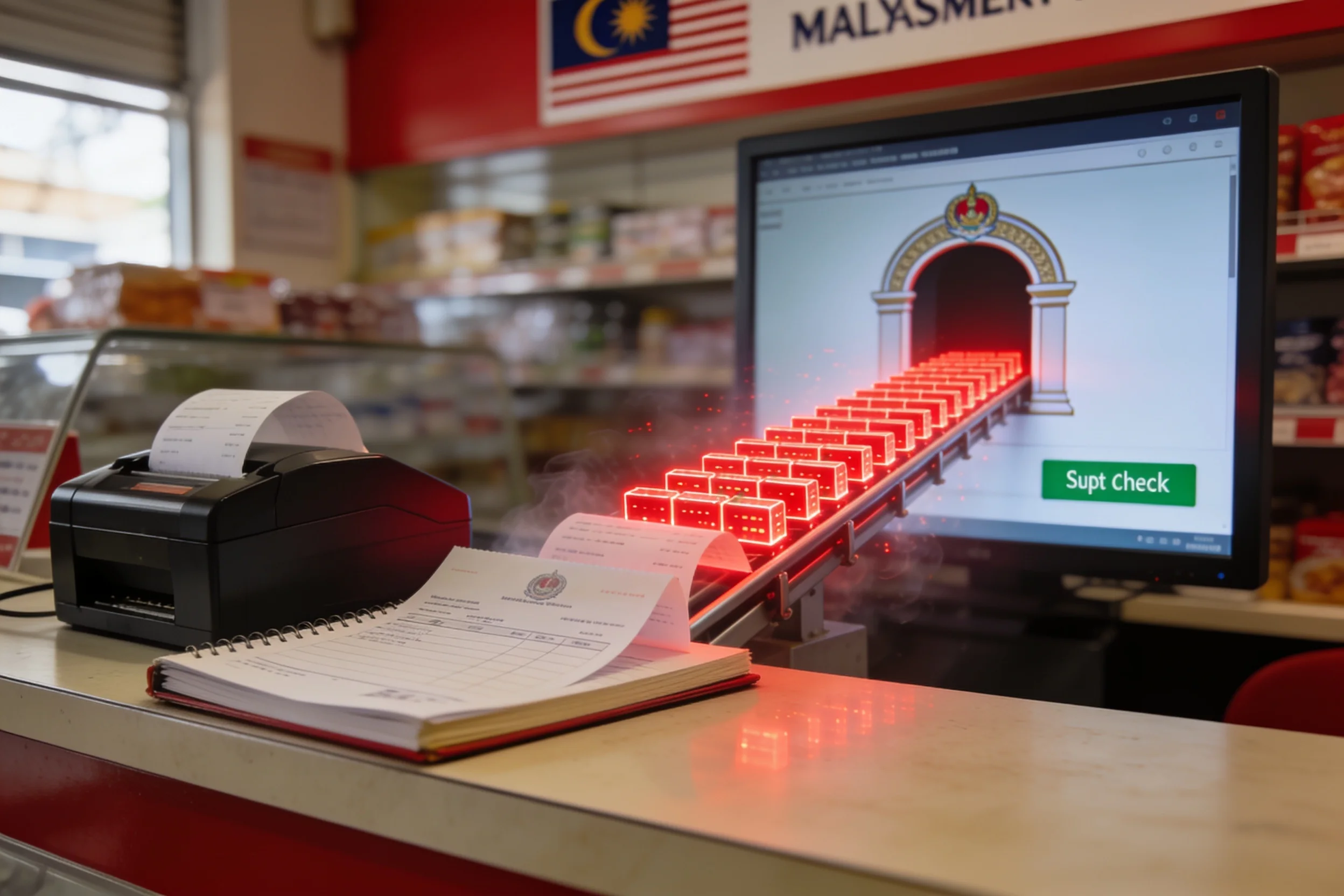 | E-invoice (MyInvois) integrationMapping and submission from your existing records to the national e-invoicing rails. |
 | AI document readerUnstructured in, structured out: invoices, POs, delivery orders, enquiry emails — with a human review queue for low-confidence items. |
 | Single workflow automationOne trigger → transform → deliver chain — e.g. supplier invoice extracted, entered, filed, notified. |
 | Enquiry triage agentReads incoming enquiries, classifies, extracts key fields, drafts a response for approval, routes to the right person. |
 | Approval chainMulti-step approvals with reminders, escalation and an audit trail. |
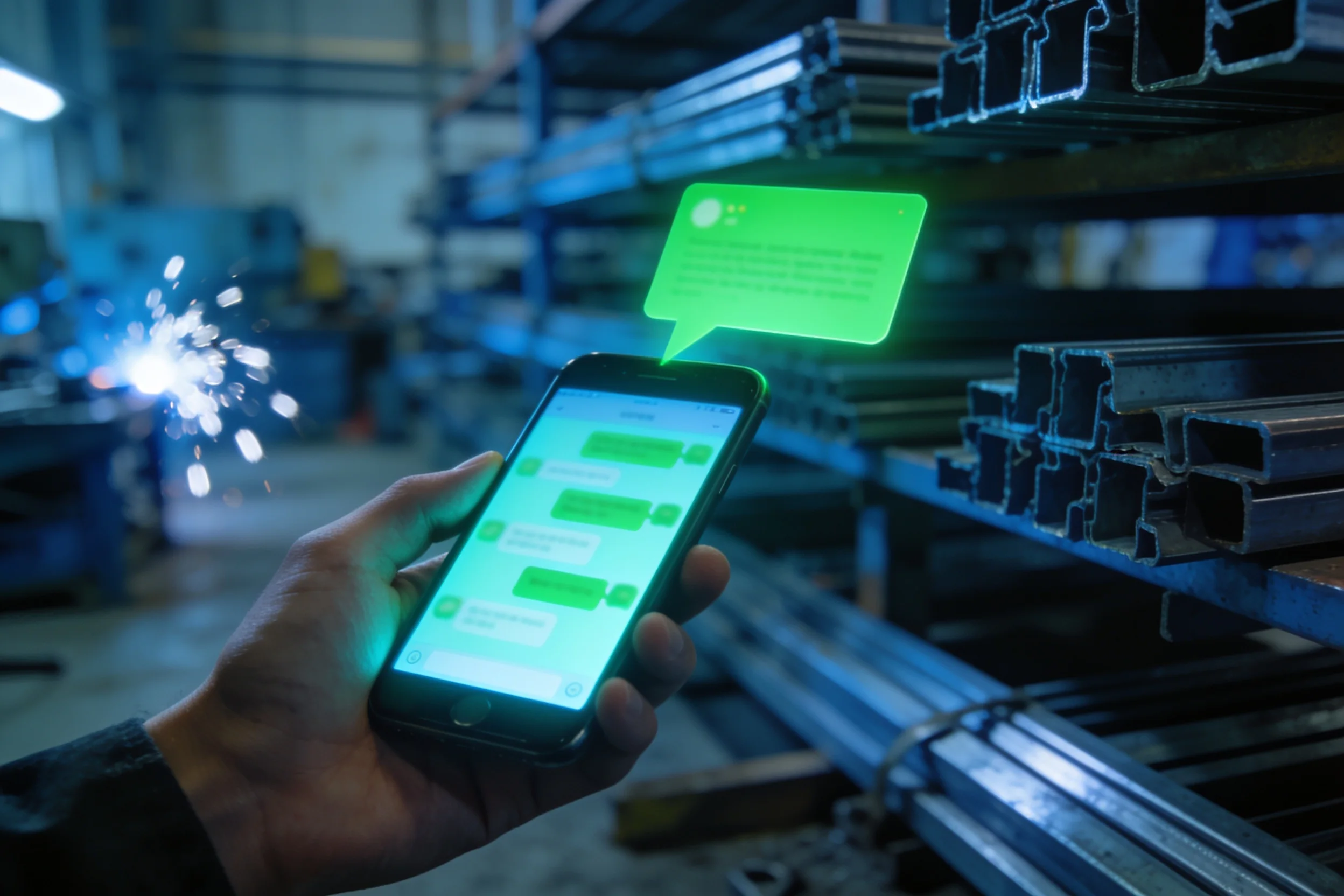 | WhatsApp / Telegram flowsNotifications, status queries and structured intake through the channels Malaysian business actually uses. |
 | Custom API bridgeWhen two systems have no native connector — built, documented, monitored. |
The first four are the classic Essential entry points — the rest are the building blocks across all three levels. An Essential package bundles two to three of them against one workflow, with no approvals and one connected system; approval chains and a second system start at Standard. Every build is quoted for the job, after the diagnostic.
Three levels of cover
How much of it should stop being manual?
Essential
One Job Off Your Hands
One job gets retyped every day — orders, claims, timesheets — and you want it to stop.
Who uses it: one team, and nothing new to log into. It runs inside the email, WhatsApp and spreadsheets you already use.
Quoted
quoted for your job · 2 weeks
- Two to three automations on one workflow — typically a form that replaces the paper, an alert when something arrives, a document that comes out already filled in, and a check for missing or duplicate entries.
- Nobody logs in anywhere. The work arrives where your people already look.
- Lands straight into the sheet or system you already keep it in. One system, not two.
- You change the wording, the recipients and the reminder timing yourself.
Works for: delivery orders retyped into accounts · insurance claim forms · weekly timesheets · site attendance logs · supplier invoices · site incident reports.
Where it stops: one job, one hand-off, no approvals. Move to Standard when the work has to pass between three or four people before it is finished.
Built on tools you already pay for wherever possible. Anything new is named, with its monthly cost, before you agree to it.
Standard
Start to Finish
A process crosses three or four people — request, approve, do, invoice — and it stalls in the gaps.
Who uses it: one department, up to four people in the chain, approving from their phones.
Quoted
quoted for your job · 6 weeks
- The whole run automated end to end, up to four hand-offs between people.
- A form for every piece of paper that process still uses.
- Alerts when something arrives or stalls, so nobody has to chase it.
- Documents produced already filled in, from templates you already have.
- Duplicate and missing-entry checks on every run, so bad data is caught rather than filed.
- One live status board showing where every job sits.
- Your staff approve or reject from the phone, and who approved what is recorded. No customer logins.
- Two systems you already pay for joined up, so nothing is typed twice.
- You change who approves what, and the reminder and escalation timing, yourself.
Works for: purchase request to purchase order · leave and claims · quotation to job card to invoice · drawing approval to fabrication release · goods-in to stock update.
Where it stops: one process, and everyone in it works for you. Move to Advanced when a whole department needs it.
The status board here is internal and read-only. The moment anyone outside your company needs to log in, that is Client Portals for Engineering Firms at Standard level.
Advanced
The Department Runs Itself
A department runs on spreadsheets and one person’s memory.
Who uses it: a whole department — up to six of its processes — plus two of your own staff, trained to run and change it without us.
Quoted
quoted for your job · 13 weeks
- Up to six processes in that department, automated and working as one.
- A form for every piece of paper the department still fills in by hand.
- Alerts when something arrives, stalls, or passes its deadline — before anyone has to chase it.
- Every document that department issues produced automatically, numbered and filed, from templates you already have.
- Duplicate and missing-entry checks on every run, so bad data is caught rather than filed.
- Approvals from a phone, with who approved what and when recorded against the job.
- The systems you already pay for joined up, so nothing is typed twice.
- A live board management can open any time, and the weekly figures emailed out on their own.
- Exceptions routed to a named person instead of failing quietly.
- Everyone in the department works on the tools they already use. Still nobody outside the company.
- Two of your staff trained to build and change automations without calling us.
- A written runbook, so the department can run it whether or not we are here.
- Thirty days of support after go-live, and a review before it ends.
Works for: a purchasing department · a service desk · an admin office · a despatch office · an accounts team.
Where it stops: nothing here is written from scratch. If what you need doesn’t exist yet, that is Estimating & Engineering Software.
Documents are filled from templates you already have. A new calculation that produces the numbers inside them is Estimating & Engineering Software.
Quoted per project at every level, scoped in the Workflow Blueprint before a quote is issued. Support is free for 30 days after go-live. After that the Continuous Development Plan keeps it patched, monitored and fixed — optional, 20% of the build price a year, billed monthly, cancel any month.
FAQ
Asked before every package.
What happens when an automation fails?
It fails loudly, by design. Error handling and fallback rules are built in, every action is logged, and anything the system isn't confident about goes to a human review queue instead of guessing. An unwatched automation that fails silently is worse than the manual process it replaced — which is why 30 days of stabilisation is included and monitored operation is available after.
Is AI safe with our data?
That question is answered before anything is built: the scoping includes a data-safety review — what may leave the building, what must not, and which AI usage is acceptable to you. And the governing rule holds everywhere: AI reads and writes; code calculates. No AI ever produces a number you invoice on.
Which systems can you connect?
Anything with an export, an inbox or an API — accounting packages, ERPs, spreadsheets, email, WhatsApp, supplier portals. When two systems have no native connector, we build the bridge and document it.
Do we have to replace our current software?
No. Automation connects what you already run. The point is to remove the copying between your systems, not the systems themselves. If a system genuinely needs replacing, that's a different conversation — and we'll say so plainly.
Typical engagement
From audit to running quietly.
Workflow Review
What your team repeats, how often, and whether automating it pays back.
Blueprint
The repetitive tasks ranked by annual saving vs. build cost, each quoted. RM 2,500, credited in full against the build.
Build & test
Automations tested against real historical cases, deployed on infrastructure you control.
Handover
You can see, pause and audit everything that runs. 30 days stabilisation included.