How far the software has to reach decides the size of the build.
One tool for one person is Essential. The same tool with roles and approvals across a team is Standard. The same tool again, with your customers logged into it, is Advanced. That is the whole scoping logic, and it is the same in all four lines — so the question is never “what kind of software is this?”, it is who has to touch it?
Solutions · how the levels work
How far it reaches sets the scope. Not the category.
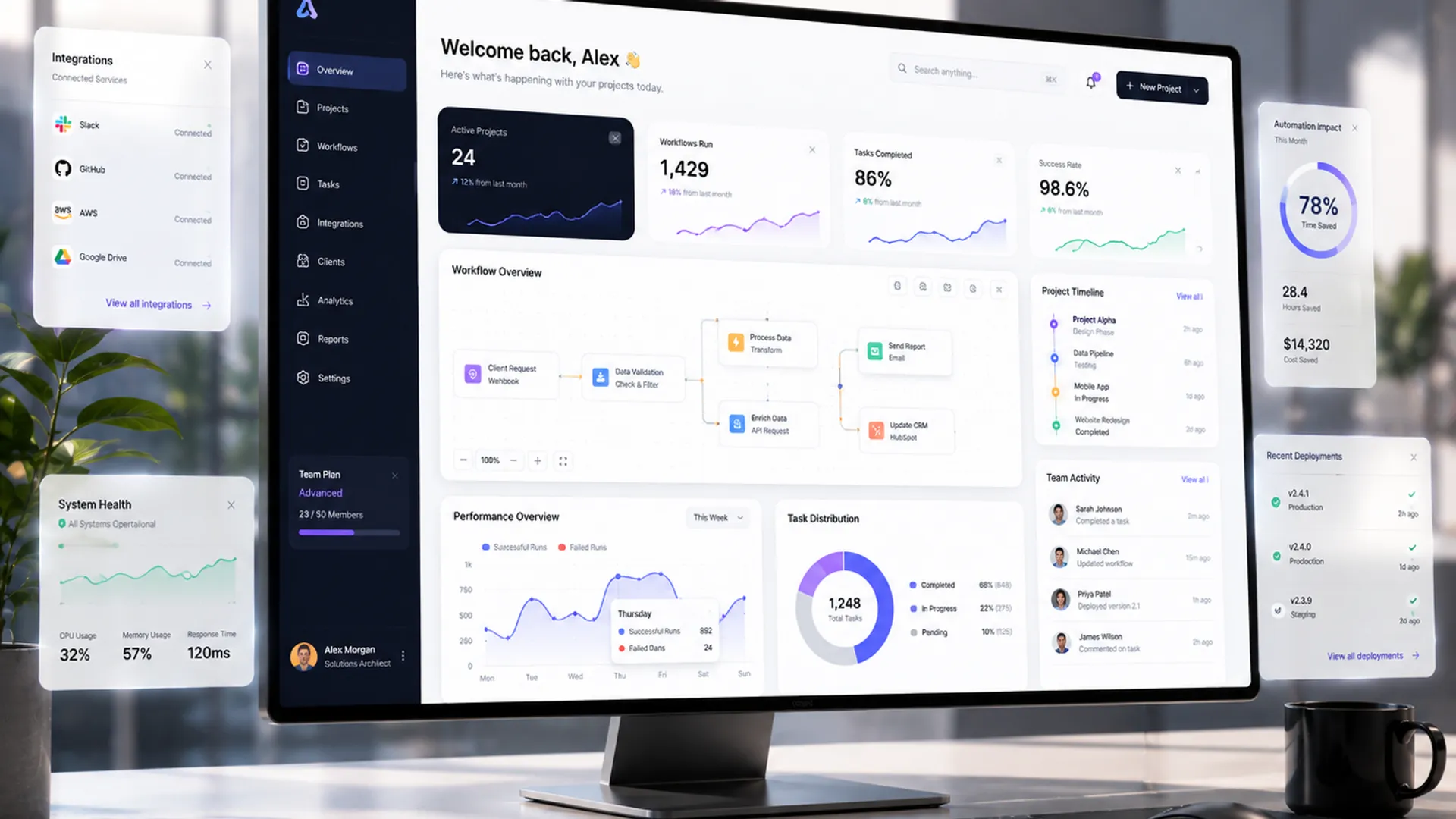 Illustrative
The four lines
Pick the one that matches your bottleneck.
Estimating & Engineering Software
The job that eats your week stops eating it.
Software written for one job that nothing off the shelf does properly — estimating, take-offs, job registers, scheduling. Your rules, your documents, proved against ten jobs you have already done.
Quoted per project
See the three levels → 02Engineering Workflow Automation
The retyping stops. Nothing new to log into.
The same information stops being keyed three times. Forms replace paper, documents come out already filled in, and the work arrives where your people already look.
Quoted per project
See the three levels → 03Client Portals for Engineering Firms
Customers stop phoning to ask where their job is.
A website that actually brings work in, and — when you are ready — a login where each customer sees their own jobs, files and invoices, and eventually orders and pays.
Quoted per project
See the three levels → 04Machines & Equipment
You stop being the least-informed person in the room.
Both halves of a line — mixing, water treatment and filling, then packing and palletising. Find out whether a machine pays before you spend, specify it so quotes actually compare, and afterwards see what the line really produced. Engineering judgement on the buying side of the table, with any manufacturer commission disclosed before you commit.
Quoted per project
See the three levels →Why it is scoped this way
The category does not tell you how big the build is.
Most vendors quote by what the software is called — an ERP costs this, a CRM costs that. It tells you nothing, because two systems with the same name can differ tenfold in work. What actually drives the size of the build is how far the thing has to reach: how many people log in, whether anything gets approved before it leaves, whether it has to talk to another system, and whether anyone outside your company sees it.
One person, one job
One login. Nothing gets approved, nothing is connected, nobody outside sees it. The smallest thing that genuinely removes the work.
Your team, with a check
Everyone who touches the job has their own login and sees only what their role needs — and something gets approved before it leaves. One system you already run is connected.
Your customers too
People outside your company log in and see their own jobs. That is the step that changes the build most, and it is why it sits at Advanced.
Machines & Equipment is the honest exception. Its three levels are not reach — they are three stages of one purchase: find out whether a machine pays, buy the right one, then see what it produced. We would normally suggest the assessment first, then sourcing, and the assessment is credited in full.
Before any of that
Two steps in. The first is free, the second is credited.
Workflow Review
Thirty minutes. You show us the actual files and we say honestly whether it is worth automating at all — including when it isn’t.
Diagnostic & Blueprint
If the review says the job is worth doing, we go through the work properly and write it up: what it costs you a year, every rule we found, exactly what gets built, and the quote for the build. Yours to keep even if you never build with us.
Machines & Equipment is the one exception: the line assessment there includes a day on your floor, so it is quoted for your job rather than the RM 2,500 — and credited in full against whatever follows.
Deliberately not for us
E-commerce stores. Marketing websites for non-engineering businesses. Mobile apps. Generic CRM configuration. Social-media anything. If that is the brief, we are the wrong firm — happily. Specialists are defined by what they refuse.
Not sure which line?
Start from the problem instead of the product.